Key Takeaways
- The decision to turn internal tool into SaaS product is one of the highest-leverage moves a software company can make — if executed with the right architecture from the start.
- If your internal tool solves a problem your team faces, it likely solves the same problem for hundreds of other businesses.
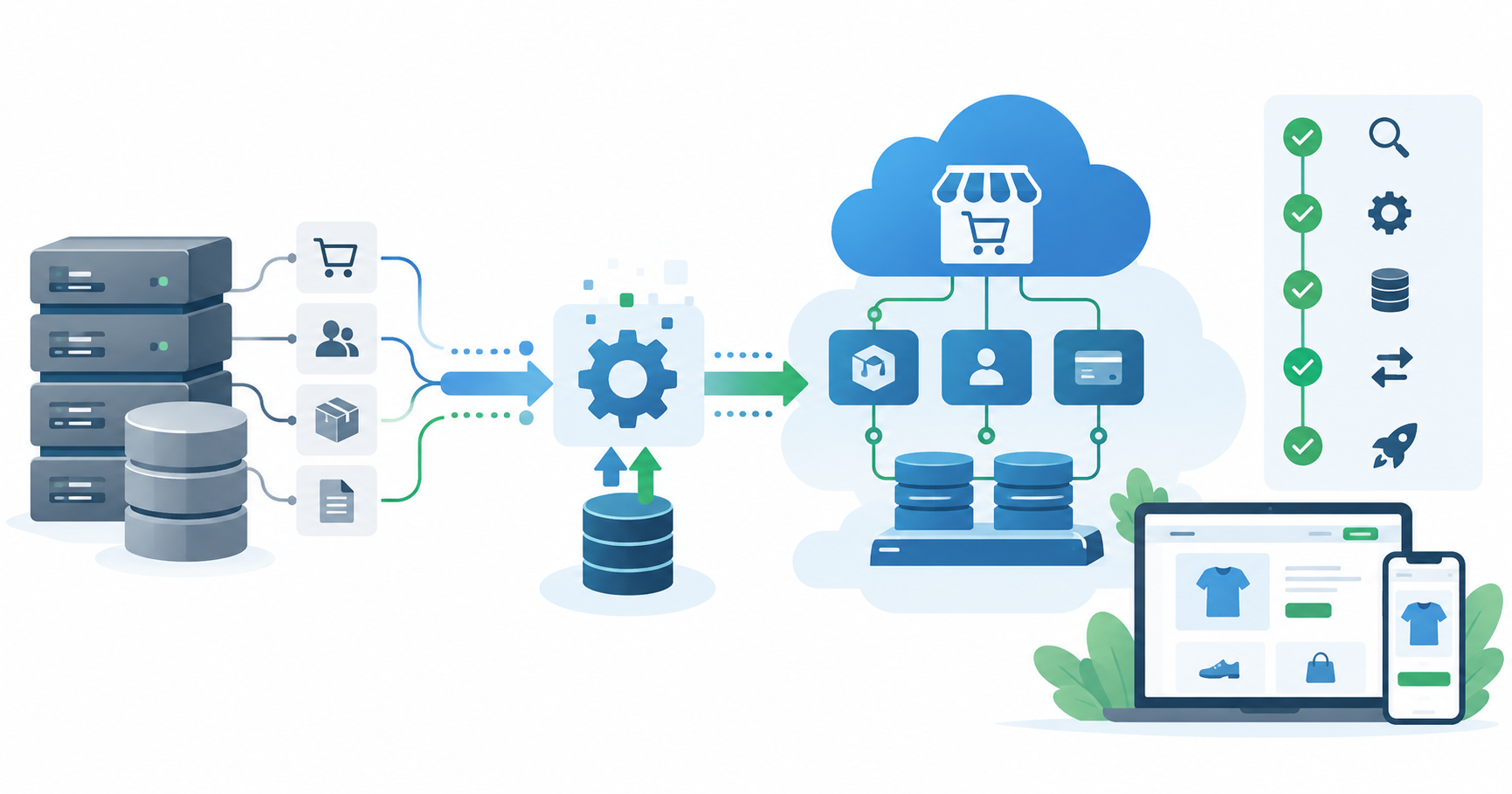
- The four critical steps to commercialize internal software: (1) run a market readiness audit, (2) decouple business-specific logic from generic workflows, (3) implement subscription billing and user management, and (4) build multi-tenant infrastructure.
- Most internal tools fail as SaaS products not because the software is bad, but because they skip the architecture refactor — shipping a single-tenant tool to customers who expect isolation and scalability.
- The timeline from internal tool to paying customers is typically 4–9 months depending on technical debt and scope.
- Done correctly, a productized internal tool can generate recurring ARR (Annual Recurring Revenue) without building from scratch.
Why Internal Tools Are Undervalued SaaS Candidates
Every internal tool your company built was born from a real, documented business pain. That is its single most important commercial advantage: unlike tools built speculatively, yours was already validated by daily use.
Some of today’s most recognizable SaaS products started this way — Slack began as an internal chat tool built while its team developed an online game, and Trello was originally built as an internal project-tracking tool at Fog Creek Software before either was spun into a standalone product. The pattern is well-established: the business problem you solved for yourself is almost certainly a business problem other companies face.
But there is a significant difference between using an internal tool and selling it. The gap is not just technical — it is structural, commercial, and operational. Closing that gap is what this guide covers.
Step 1 — Run a Market Readiness Audit Before Writing a Line of New Code
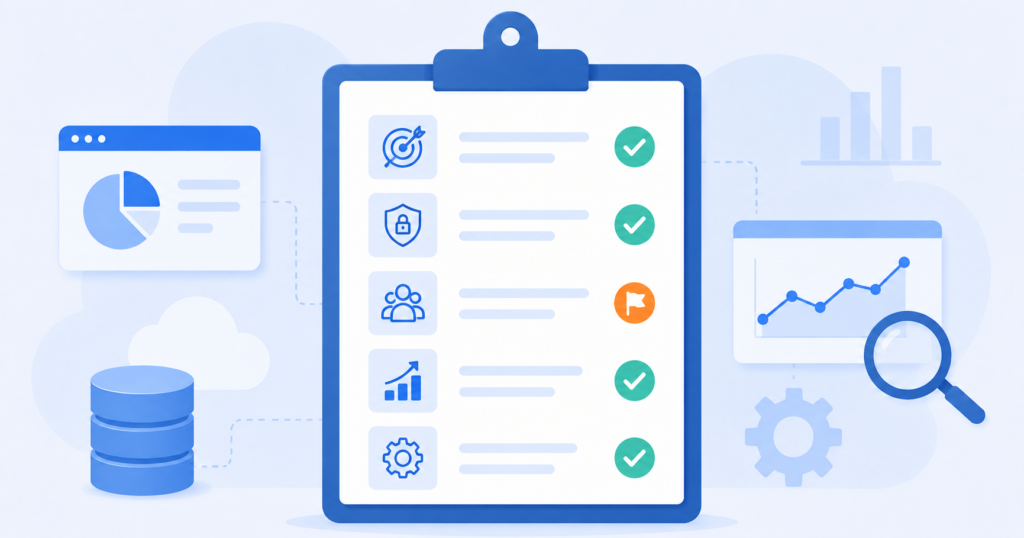
A market readiness audit answers one question before anything else: Is there a paying market for what you have already built?
One non-obvious insight: the highest-risk signal in a market readiness audit is not a lack of market demand — it is discovering that your tool is so deeply entangled with your own business data and processes that decoupling it would require a near-full rebuild. Run the technical debt dimension first, because it will determine whether you refactor or rewrite.
| Audit Dimension | What to Assess | Green Light Signal |
|---|---|---|
| Market Demand | Do other companies face the same problem? Search job boards, Reddit, LinkedIn groups, and G2 reviews for pain points matching your tool’s function. | Competitors exist (proving demand) but none dominate the segment |
| Competitive Gap | What do existing SaaS tools in this space lack? Price, features, vertical focus, ease of use? | Your internal tool has a genuine differentiator — not just parity |
| Pricing Validation | Would your target buyer pay $50–$500/month for this capability? | 5+ potential buyers confirm willingness to pay at your target price point in early interviews |
| Compliance and Liability | Does your tool handle sensitive data (health, finance, PII)? What does productizing it require for SOC 2, HIPAA, or GDPR? | Compliance path is clear and budgeted |
| Technical Debt Level | How hardcoded is your business logic? Is the tool built for one environment or designed to be configurable? | Debt is documented and refactoring estimate is under 4 months |
One non-obvious insight: the highest-risk signal in a market readiness audit is not a lack of market demand — it is discovering that your tool is so deeply entangled with your own business data and processes that decoupling it would require a near-full rebuild. Run the technical debt dimension first, because it will determine whether you refactor or rewrite.
Step 2 — Decouple Business-Specific Logic from Generic User Workflows
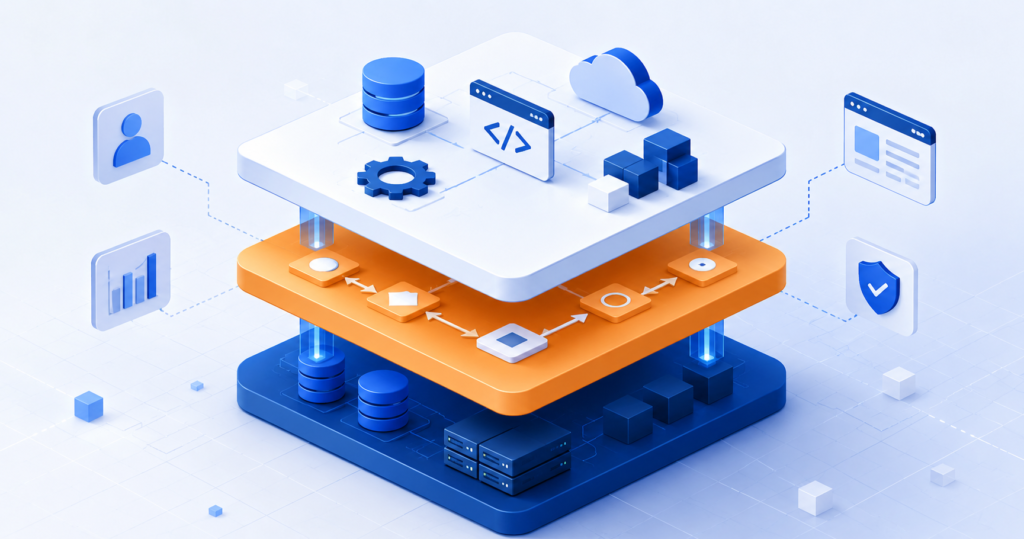
Most internal tools are built to solve one company’s problem. That means the code is typically full of hard references to your specific data structures, naming conventions, organizational rules, and workflows. When a second company uses the same tool, their data looks different, their terminology is different, and their business rules are different.
The decoupling process has four steps:
- Audit your codebase for hardcoded business assumptions. Look for direct references to your company’s departments, pricing tiers, user roles, data schemas, or API keys baked into logic rather than configuration.
- Extract business rules into a configuration or rules-engine layer. These should be editable per-tenant (per customer account) without touching the core application code.
- Replace hardcoded strings and identifiers with configurable fields. Company names, workflow labels, field names, and permission structures should all be tenant-configurable.
- Build a tenant onboarding wizard. New customers should be able to configure their environment through a UI — not by having your dev team manually edit config files.
This step is where most failed SaaS pivots collapse. Teams underestimate how deeply their specific business logic has infiltrated the application layer. A tool that took six months to build internally can take three to four months to properly decouple for external use.
For reference, when TechVedhas helped build MyBizzHive, the core challenge was structuring configurable business workflows that could serve multiple small business types without requiring individual customisation per client. The architecture decisions made at the decoupling stage directly determine how expensive it becomes to onboard customer number 100.
Step 3 — Implement Subscription Billing and User Management
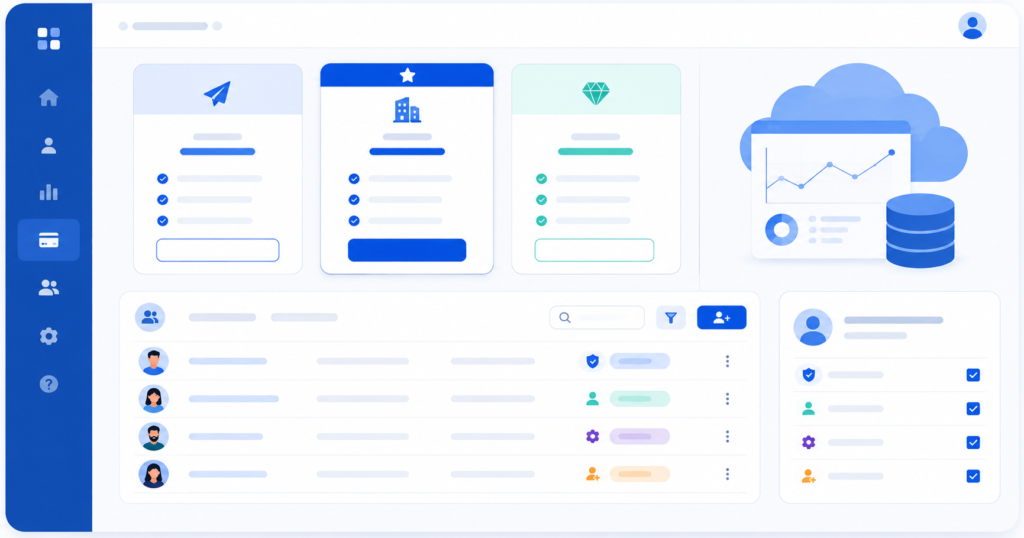
An internal tool has no concept of billing, plan limits, or user hierarchies. Before you can charge a single customer, you need three systems running correctly.
Subscription Billing
The industry standard approach is to integrate a billing platform rather than build payment logic from scratch:
| Platform | Best For | Key Capability |
|---|---|---|
| Stripe Billing | Developer-led teams, complex pricing models | Metered billing, usage-based pricing, coupons, tax automation |
| Chargebee | Revenue operations teams, subscription analytics | Dunning management, revenue recognition, SaaS metrics dashboards |
| Paddle | Global SaaS with complex tax obligations | Merchant-of-record model handles VAT/GST automatically |
Your billing system needs to support: plan selection at signup, proration on upgrades/downgrades, failed payment recovery (dunning), trial periods, and annual vs. monthly cycle switching.
User Management and Role-Based Access Control (RBAC)
Internal tools often have a single user class or a simple admin/user split. Commercial SaaS needs proper RBAC from day one:
- Organization-level accounts — one company = one account, with multiple users under it
- Role hierarchy — typically Owner, Admin, Member, Viewer (customize per product)
- Seat-based billing — if pricing is per seat, the billing system must track active users per organization
- SSO readiness — mid-market and enterprise buyers will require SAML/SSO integration (Okta, Azure AD) before they sign a contract
Building RBAC correctly is a 4–8 week engineering investment but cannot be retrofitted cleanly after customers are on the platform. Get it right before the first paying customer onboards.
Setting Your Pricing Architecture
The most common pricing mistake when launching an internal tool as SaaS is setting a price based on your own cost basis rather than what the market will bear. A practical model for early SaaS pricing:
- Starter tier: 1–3 users, limited features, $49–$99/month — removes the no-budget objection for early adopters
- Professional tier: 5–25 users, full features, $199–$499/month — your primary revenue tier
- Enterprise tier: Custom seats, SLA, SSO, $1,000+/month — reserved for larger buyers; contract-based
Run at least 15 customer interviews before locking pricing. The single most reliable pricing signal is how quickly someone stops asking about cost — that is where you have found their indifference point.
Step 4 — Build Multi-Tenant Infrastructure
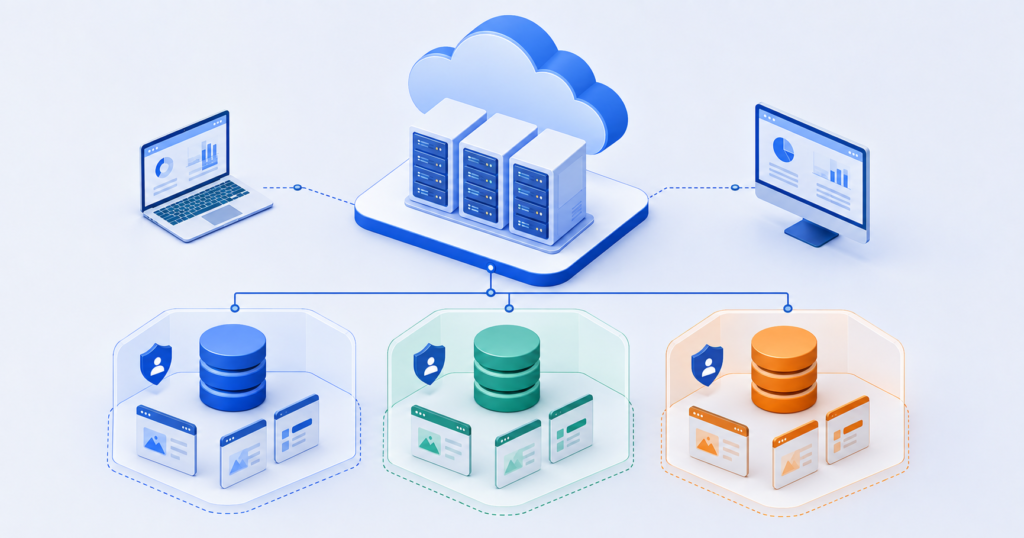
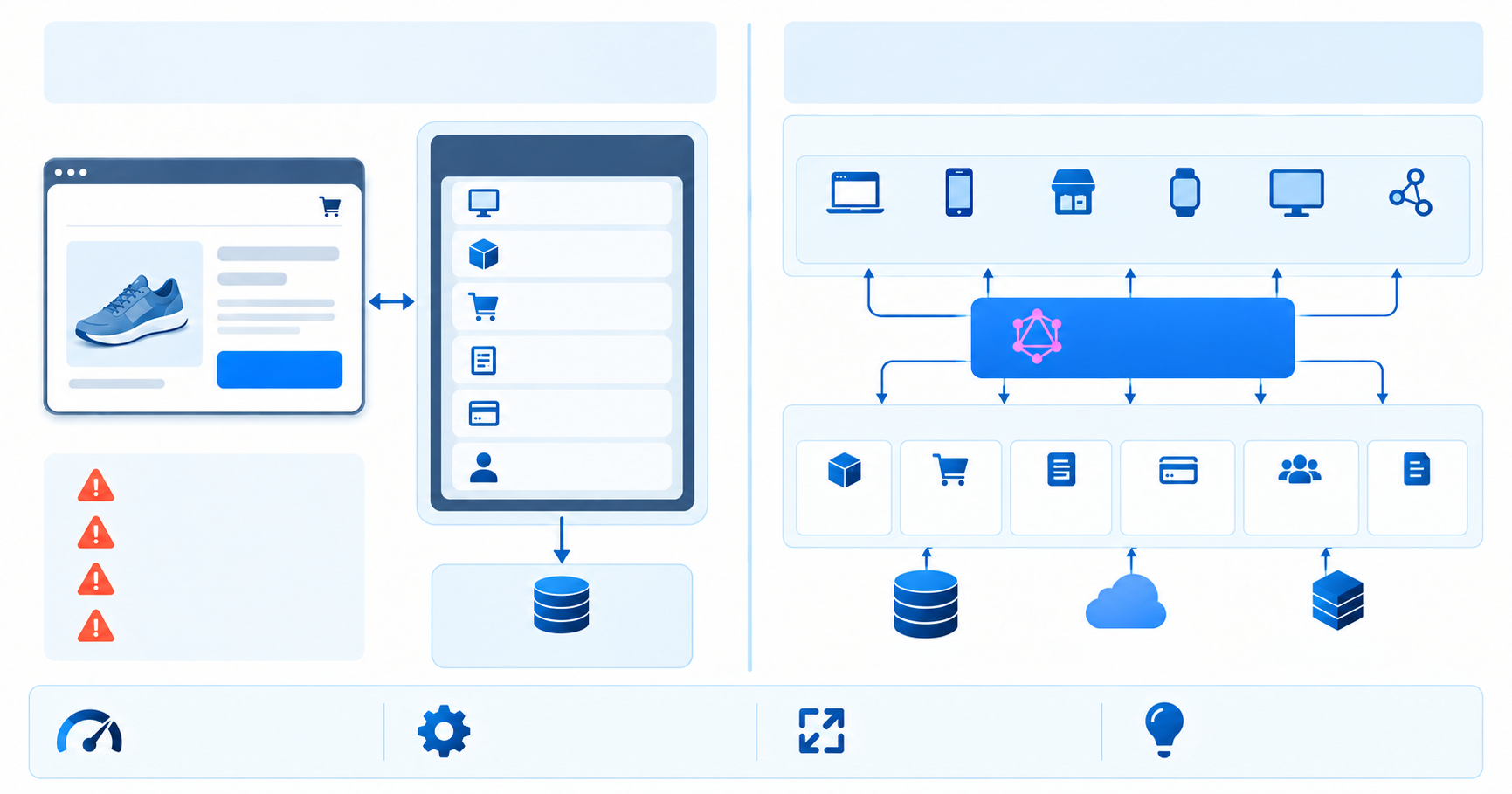
Multi-tenancy means your single deployed application serves multiple customer organizations simultaneously, with each organization’s data isolated and protected from the others.
There are three architecture patterns, each with a different cost and isolation trade-off:
| Pattern | Description | Best For | Data Isolation |
|---|---|---|---|
| Shared database, shared schema | All tenants in the same database, distinguished by a tenant_id column | Early-stage, cost-sensitive, low compliance burden | Logical only — lower isolation |
| Shared database, separate schema | Same database instance, but each tenant has its own schema namespace | Mid-market SaaS, moderate compliance | Schema-level isolation |
| Separate database per tenant | Fully isolated database instance per customer | Enterprise, regulated industries (healthcare, finance) | Full isolation — highest cost |
For most tools making the internal-to-SaaS transition, shared database with separate schema is the right starting point. It keeps infrastructure costs manageable while giving you schema-level isolation that satisfies most compliance conversations.
Additional infrastructure requirements for a production-grade multi-tenant SaaS:
- Tenant-aware caching — Redis or similar, with cache keys scoped by tenant ID to prevent data bleed
- Audit logging — every data access and mutation logged per tenant for compliance and debugging
- Rate limiting per tenant — prevent one large customer from degrading performance for everyone else
- Feature flagging — enable/disable features per plan tier or per individual tenant for beta rollouts
If you are starting from infrastructure designed for a single environment (your own), you are looking at a cloud re-architecture engagement. TechVedhas’s cloud infrastructure services regularly handle exactly this type of migration — taking a single-tenant internal deployment and rebuilding it as an isolated, scalable multi-tenant cloud architecture.
For teams assessing what level of technical modernization is involved, the Legacy Infrastructure Modernization guide covers the decision framework for evaluating how much of the existing stack can be retained versus rebuilt.
How Long Does It Take to Turn an Internal Tool into a SaaS Product?
The timeline varies significantly based on the state of the existing codebase and the complexity of the commercialization scope. As a benchmark:
| Phase | Duration (Typical Range) | Key Deliverables |
|---|---|---|
| Market readiness audit | 2–3 weeks | Audit report, competitor map, pricing hypothesis, compliance gap list |
| Architecture planning and technical spec | 2–4 weeks | Decoupling spec, multi-tenancy design, tech stack decisions |
| Core refactor and decoupling | 6–12 weeks | Cleaned codebase, configurable tenant settings, onboarding wizard |
| Billing and user management integration | 3–5 weeks | Stripe/Chargebee integration, RBAC system, plan gating |
| Multi-tenant infrastructure build | 4–8 weeks | Cloud deployment, schema isolation, monitoring, audit logs |
| Closed beta with 5–10 pilot customers | 4–6 weeks | User feedback, bug fixes, pricing validation |
| Total (end-to-end) | 4–9 months | Revenue-generating SaaS with paying customers |
This timeline assumes an experienced development team executing in parallel across phases where possible. A SaaS-first development partner can compress the architecture and build phases by 30–40% compared to a team learning the patterns for the first time.
The SaaS Platform Development Cost Guide covers budget ranges in detail for each phase if you are building a financial model for the investment decision.
Common Mistakes When Productizing an Internal Tool
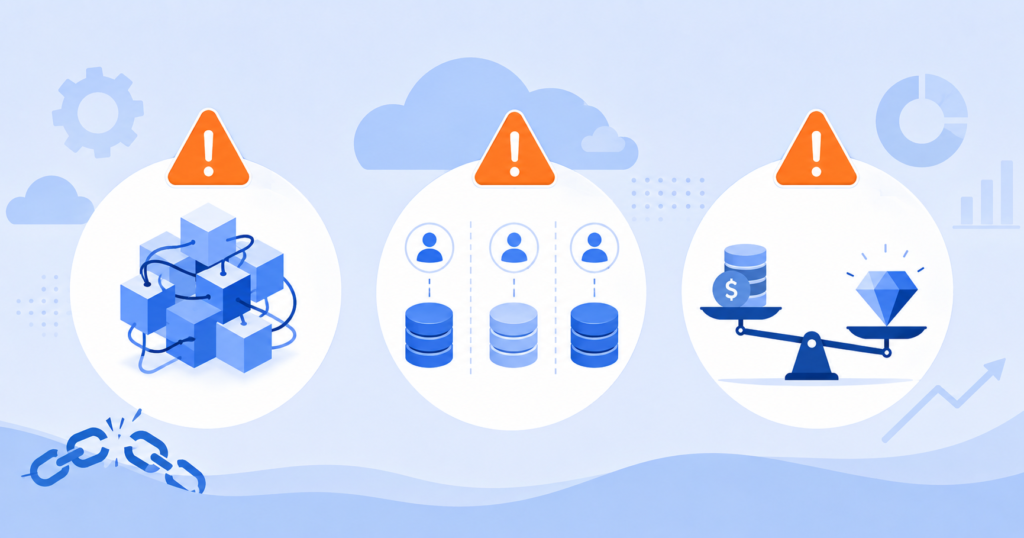
These are the patterns that derail the internal-to-SaaS transition most often:
- Shipping the tool as-is to early customers.
The most common failure mode. Teams assume that because the tool works for their company, it can work for a customer if they just give them a login. The result: customer data lives in the same database rows as internal data, configuration is manual and fragile, and the first data incident costs you the customer and your reputation. - Underestimating the decoupling effort.
A codebase built for one company’s operations is typically 30–50% hardcoded assumptions. Teams consistently estimate decoupling at 2–3 weeks, then discover it takes 3–4 months. Budget and scope accordingly. - Building billing from scratch.
This is a solved problem. Stripe, Chargebee, and Paddle handle 95% of what most SaaS products need. Building a custom billing system adds 3–6 months and ongoing maintenance overhead that is never worth it. - Skipping the pricing architecture conversation.
Pricing is a product decision, not a finance decision. Most internal tools get priced at “whatever feels reasonable” — usually 40–60% below what the market will actually pay. Run customer interviews before you write a single pricing page. - Treating the first 10 customers as proof of product-market fit.
Early adopters are enthusiasts. They will use a rough product in exchange for a discount and a seat at the product roadmap table. Product-market fit is confirmed when customers in your second cohort — people who found you through organic channels, not personal relationships — renew without prompting.
FAQ — Turn Internal Tool into SaaS Product: Common Questions Answered
What does it mean to turn an internal tool into a SaaS product?
It means taking software your company built for internal use and transforming it into a commercially sold, externally hosted product that other businesses can subscribe to and use independently. The process involves decoupling your specific business logic, adding multi-tenant infrastructure, implementing subscription billing, and establishing a go-to-market strategy — it is not simply giving customers a login to your existing system.
How do I know if my internal tool is ready to commercialize?
Run a five-dimension market readiness audit covering: verified external demand for the problem you solve, a competitive gap your tool can own, at least 5 potential buyers who confirm willingness to pay, a clear compliance path for any regulated data your tool handles, and a realistic estimate of the technical debt involved in decoupling. If all five dimensions are green, you have a viable candidate. If any dimension is a blocker, resolve it before investing in the build.
What is multi-tenancy and why does it matter for SaaS?
Multi-tenancy is the architecture pattern where a single deployed instance of your application serves multiple customer organizations simultaneously, with each organization’s data isolated from all others. It matters because without it, you are effectively running a separate deployment per customer — which is operationally unscalable and commercially unviable beyond a handful of accounts. Most enterprise buyers also require confirmed data isolation before signing a contract.
How long does it take to turn an internal tool into a SaaS product?
The typical timeline is 4 to 9 months from the start of the market readiness audit to the first paying customer onboarding. The largest time variable is the level of technical debt in the existing codebase — specifically, how deeply your company-specific business logic is embedded in the application layer. A heavily entangled codebase can push the decoupling phase alone to 3–4 months.
What subscription billing platform should I use for my SaaS product?
For most development teams, Stripe Billing is the default choice — it has the most complete API, handles metered and seat-based billing, and integrates with every major CRM and accounting tool. If you need advanced revenue analytics, dunning management, or complex subscription lifecycle automation, Chargebee offers more out-of-the-box SaaS metrics tooling. If you sell globally and want to outsource VAT/GST handling, Paddle’s merchant-of-record model is the most operationally clean option.
How should I price my internal tool when launching it as a SaaS product?
Base your pricing on the value the tool creates for the buyer — not on your cost to build or host it. Conduct at least 15 customer interviews and identify the point at which potential buyers stop asking about cost (their indifference point). A standard three-tier model — Starter ($49–$99/month), Professional ($199–$499/month), Enterprise (custom) — works well for most B2B SaaS launches. Revisit and adjust pricing after the first 20–30 paying customers based on actual conversion data.
Do I need to rebuild the entire codebase to commercialize an internal tool?
Not necessarily, but you will almost certainly need to refactor a significant portion of it. The key decision is whether the core logic and data models are sound (refactor) or fundamentally incompatible with multi-tenancy and configurability (rewrite). An experienced SaaS development team can assess this in a 2–4 week technical audit, which is the recommended starting point before committing to a build budget.
What are the biggest risks when productizing an internal tool?
The three highest-risk failure modes are: (1) shipping without decoupling and creating a data security incident with customer data, (2) underestimating the refactoring scope and burning through budget before reaching beta, and (3) launching at a price point below market rate because the team priced from cost rather than value — which then makes it operationally difficult to raise prices without churning early customers.
Turn Your Internal Software into a Revenue Stream — Without Starting from Scratch
Your internal tool already has something most SaaS startups spend 18 months and $500,000 trying to acquire: a proven, battle-tested solution to a real business problem. The work ahead is not invention — it is transformation.
The companies that successfully make this transition treat the internal-to-SaaS pivot as a structured product initiative, not a side project. They run the market audit before committing budget. They invest in the architecture refactor before onboarding the first customer. They build billing and RBAC right, once, rather than stitching it together reactively.
If you are evaluating whether your internal tool is a viable SaaS candidate, or you have already made the decision and need an experienced development partner to execute the build, TechVedhas can assess your codebase, define the commercialization architecture, and deliver the full product — from decoupled multi-tenant infrastructure to a live billing system.
— we provide scoped estimates within 24 hours.
For additional context on SaaS development investment, the SaaS Platform Development Cost Guide breaks down typical cost ranges across each development phase.